Telegram trading: new opportunities for earning money on the stock exchange
Every day, new opportunities arise for those who make money trading on the stock exchange. Recently, trading on Telegram has become one of these opportunities.

This format allows you to receive trading signals, monitor quotes , and even open trades directly within the messenger.
All this makes trading faster and more convenient, especially for those who are used to constantly using Telegram.
Let's look at Telegram trading using the example of a well-known broker, RoboForex. This will allow us to assess the advantages and disadvantages of this method of trading in financial markets.
RoboForex Telegram Trading Opportunities
For trading via messenger, the broker offers RoboForex MobileTrader. This is a built-in application that runs within Telegram and provides access to your trading account without installing a separate program.
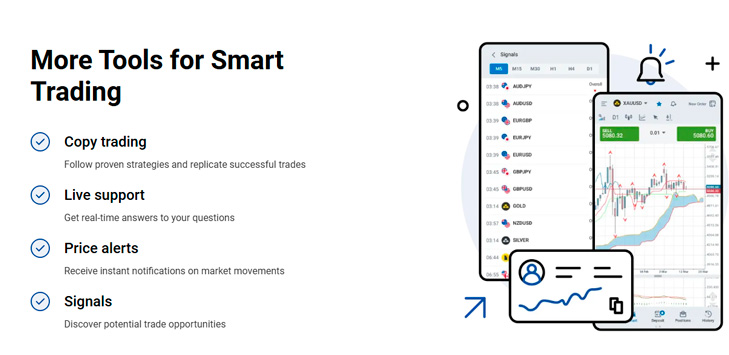
With MobileTrader you can:
- monitor quotes in real time;
- view charts and analyze price movements;
- trade currency pairs, gold, cryptocurrencies and indices;
- open and close trades;
- control current positions and transaction history;
- top up your account and process withdrawals;
- receive price alerts and trading signals;
- use the economic calendar;
- connect to other traders' strategies through Copy Trading;
- contact support.
Thus, Telegram offers access to most of the functions that a trader would typically use in a mobile app or broker's personal account.
How does trading work via Telegram?
First, you need to open the official RoboForex MobileTrader bot. It's safest to access it via the link on the broker's official website, as there may be bots with similar names on Telegram.
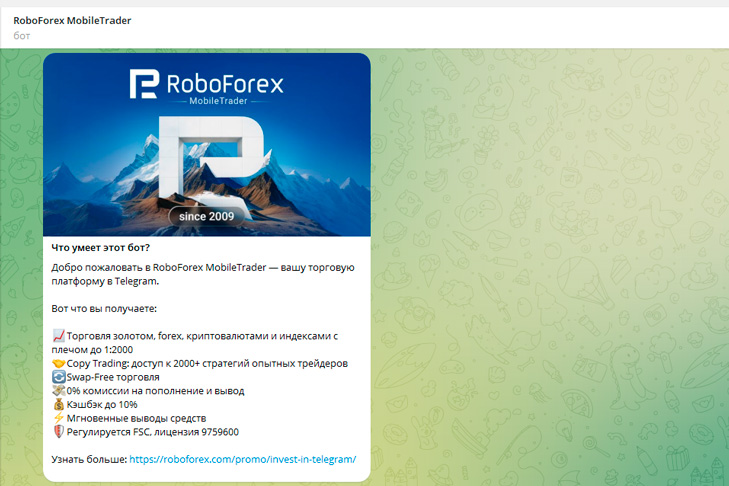
Once launched, the bot displays brief information about the service's capabilities. The user then opens the built-in trading terminal.
The login and registration buttons are located at the top of the window. RoboForex account holders simply log in, while new clients will need to register.
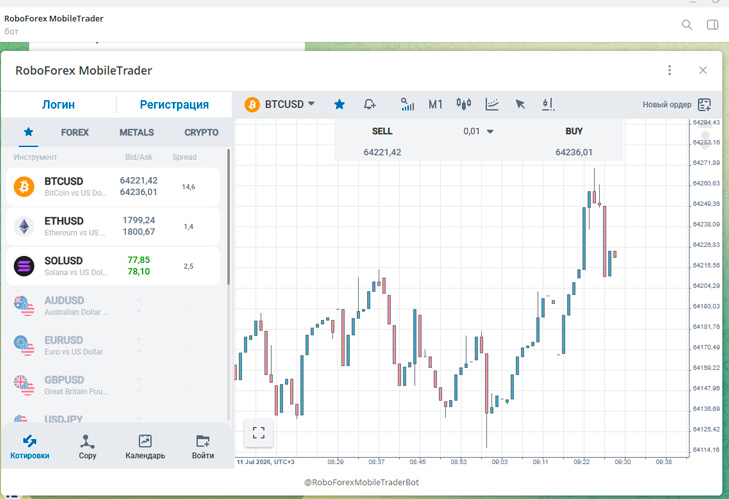
After logging in, you can select the desired category of tools:
- Forex;
- metals;
- cryptocurrencies;
- stock indices.
A list of assets with current buy and sell prices is displayed on the left, while the main part of the screen displays a chart of the selected instrument. To open a position, the trader selects the trade volume and clicks Buy or Sell.
The bottom menu contains sections for quotes, copy trading, the economic calendar, and account management. Here you can also manage open positions, view transaction history, and proceed with deposits and withdrawals.
Benefits of trading on Telegram
The main advantage of this format is convenience. A trader can read a news item or receive a signal in a Telegram channel and immediately begin trading without switching between multiple apps.
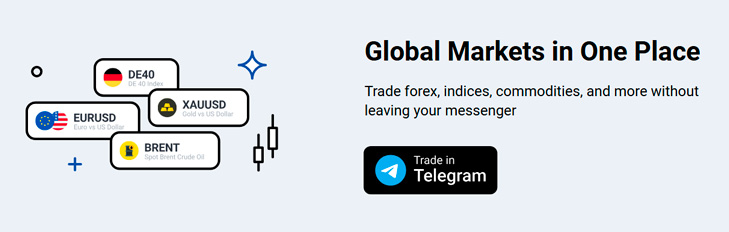
Furthermore, MobileTrader doesn't require separate installation or updates. The terminal is available on both smartphones and computers running Telegram.
Price alerts are a useful feature. Users can quickly learn about strong market movements and check their positions if necessary.
RoboForex MobileTrader allows you to monitor the market, analyze charts, open trades, copy strategies, and manage funds directly within the messenger. This option can be useful for quickly monitoring positions and trading from your smartphone.
However, it's more practical to use the Telegram terminal as a supplementary tool. For serious analysis and large-scale transactions, it's better to maintain access to the full-fledged trading platform.