How to open a Bitcoin wallet.
Before opening a Bitcoin wallet, you should decide on which device you will regularly conduct transactions with the currency.
So, there are three installation options: on your computer, on your smartphone, or using an online service.
It's important to understand that the most secure wallet is the one installed on your personal computer, while the online and smartphone versions are more vulnerable to hacking.
However, storing Bitcoin on your PC can make you a hostage to a failure of your operating system or hardware, because if you can't recover your wallet files, you'll have to forget about your money, just like what happens when you lose a real wallet on the street.
To open a Bitcoin wallet, you first need to visit the official website https://bitcoin.org.
You will see information blocks with information on using this payment system. Find and click the "Select your wallet" button.
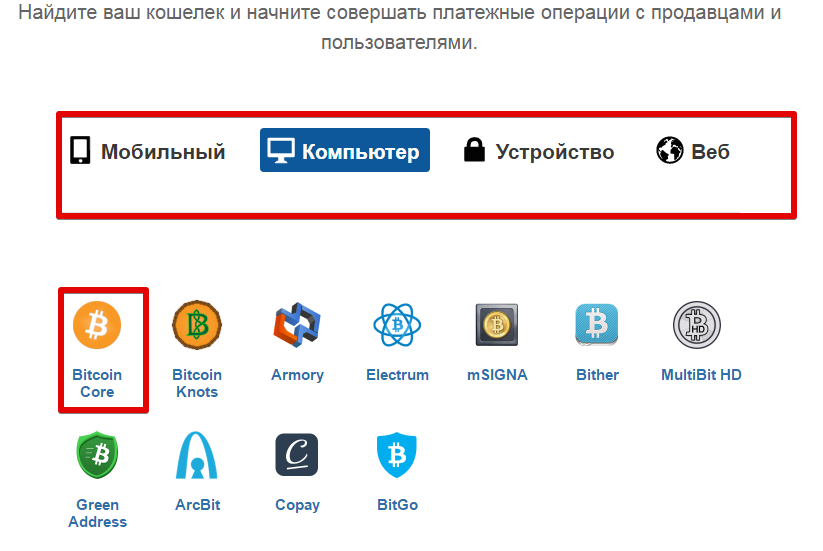
A page will appear in front of you, where the system will offer you to select the location of the wallet: on a PC, smartphone, or online.
Clicking on each item will present you with a selection of wallets to choose from. For example, when installing a wallet on a PC, select Bitcoin Core.
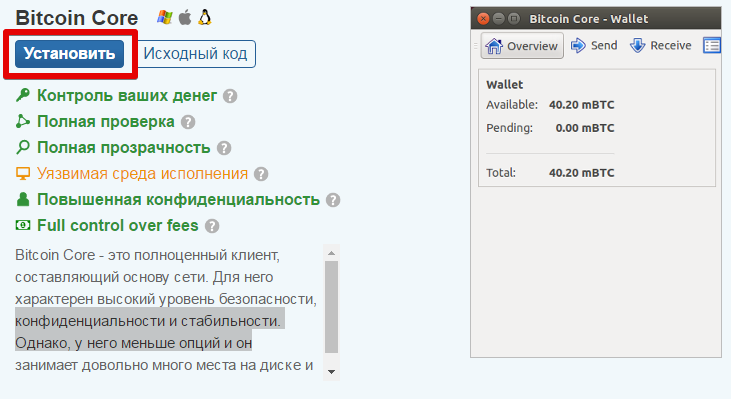
After selecting a wallet, a window will appear with brief information about its advantages and disadvantages, as well as a brief description of how it works. Click the "Install" button in the upper left corner of the pop-up window.
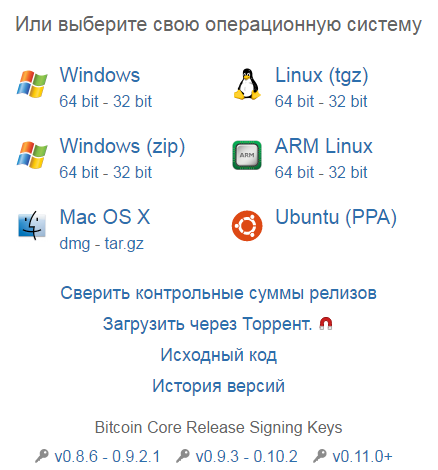
You will be automatically redirected to the program download page, where the system will prompt you to select download sources and offer a choice of different wallet versions depending on your computer's operating system.
After downloading the program installation file, run it. Upon first launch, the installer will prompt you to specify the location where the program files will be unzipped, as well as the license agreement.
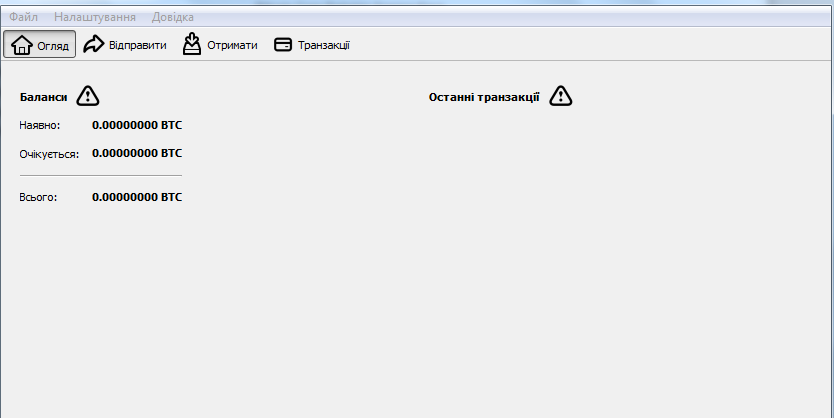
After installation and initial launch, the program will search for updates and authorize you, completing the necessary files. Once you launch the Bitcoin Core wallet, you'll see an interface like this.
Finally, it's worth noting that installing a Bitcoin wallet actually takes a few minutes.
If you choose an e-wallet, you won't need to download a client; you'll only need to register or install an additional browser extension.
It should be noted that you can trade Bitcoins without opening a wallet - through specialized brokers http://time-forex.com/valuta/torgovly-bitcoinami If you use leverage, your profits will increase significantly.

