Trend indicator.
An interesting script for determining trend direction allows you to automatically identify the direction of price movement 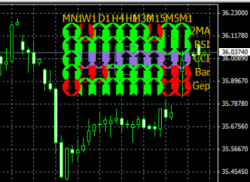 for a currency pair across all available time frames.
A trend indicator analyzes not only different timeframes but also uses various technical analysis methods.
It utilizes tools such as the RSI and CCI indicators, as well as a moving average. The trader also receives information about the trend direction on the last bar and any price gaps that have occurred.
Download the trend indicator .
The indicator is installed as usual. After launching, a square window with multiple multicolored arrows appears in the upper right corner of the currency pair
Time intervals are listed at the top of the window, although for some reason, they're not in the usual order, ascending from left to right, but rather from right to left.
The vertical row displays the names of the tools used for the analysis. For example, if you want to know what the RSI indicator shows for a 15-minute time frame, select the arrow at the intersection of the RSI and M15.
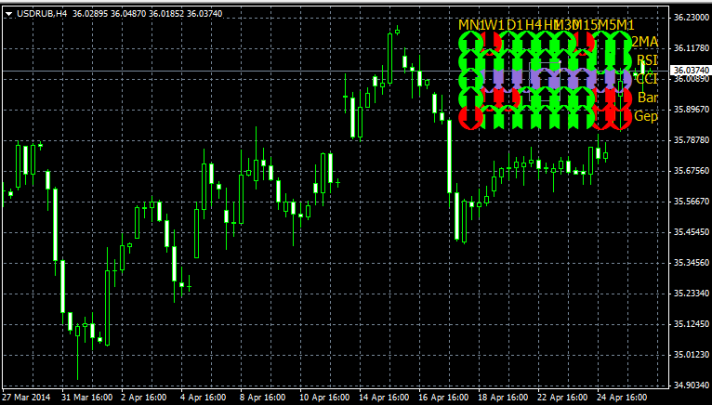
Using a trend indicator in trading.
It's best to open trades when all Forex indicators on the working timeframe give signals in the same direction. This is the ideal entry option, but you can also use readings from three adjacent timeframes.
The trend indicator has additional settings, a full description of which can be found in the downloadable archive.
It's recommended to change the distance between the signal arrows during installation; this will make the information displayed more legible.
You can also change some other parameters used in analysis, such as price (close; open; high; low), and the market research method itself.

