Indicator for displaying a Stop Out line on a chart
Almost everyone who starts trading on the stock exchange using leverage asks the question: what will happen if I lose my broker's money?
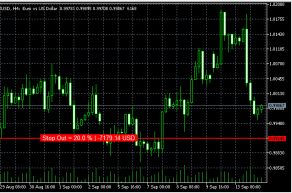
To prevent such situations from happening, there is a kind of stop loss from the brokerage company, which protects its funds.
This stop order is called Stop Out and its size is usually from 10 to 50 percent of the margin amount for the transaction.
Everything would be fine, but it's quite inconvenient to calculate when a position will be forced to close each time. A Stop Out script has been created to automate and visualize the process.
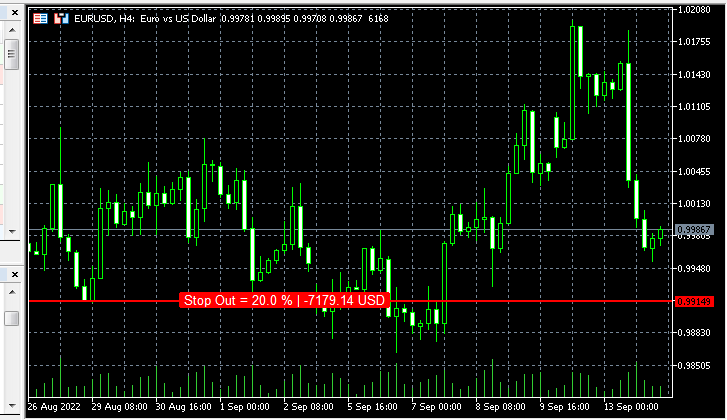
The indicator is designed for the MetaTrader 5 trading platform. It is installed in the "Market" indicators folder and, after restarting the program, appears in the Navigator in the Market indicators section:

During installation, you don't need to change anything, unless you want to change the line color or the color of the text displayed on the screen. You can also set the margin from the edge in the settings.
Data on the chart appears only after a position is opened; the larger the volume of open positions, the closer the Stop Out line is to the current price.
When opening two trades in opposite directions on the same asset, the indicator line is not displayed, since the profit on one position compensates for the loss on the other.

