Video guides on the MT5 trading platform
Learning how to trade stocks requires, first and foremost, familiarization with a trader's trading platform. Without this step, it's difficult to begin opening trades.
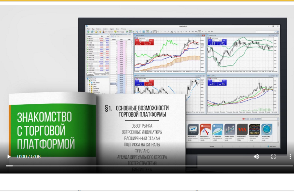
Although the most popular version of the MetaTrader 5 software today has an intuitive interface, in order to begin working effectively in it, you need to study the basic capabilities of the terminal.
You can do this using the built-in instructions; to do this, you just need to press F1 while MT5 is running.
But many people like to perceive information through video materials, as the information presented is perceived more easily.
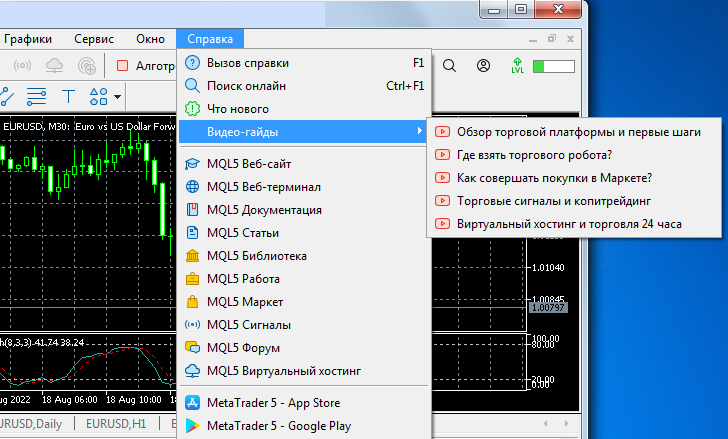
The following video lessons are available for study:
• Trading platform overview and first steps – a pretty good video tutorial on the basics of working in MT5.
• Where to get a trading robot – instructions for working with the source code library, getting free scripts for automated trading.
• How to make purchases in Markete – an overview of the online store with tools for improving the efficiency of working in MT5.
• Trading signals and copy trading – setting up a signal copying system, choosing the most profitable providers.
• Virtual hosting and 24-hour trading – if you use expert advisors or often set a trailing stop, you simply cannot do without a virtual server. How to rent a VPS is described in this video.
Overall, the video tutorials are quite high-quality and professionally produced, and there's no point in searching for similar information on YouTube when you can get it directly from the trading platform.

