Candlestick indicator.
The advanced version of the candlestick indicator has more advanced functionality than previous versions, 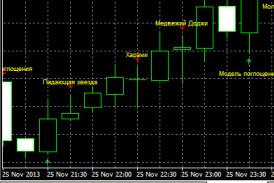 allowing you to achieve the best results.
Candlestick indicator – detects and displays the names of detected candlestick combinations, as well as trend direction on specific Forex timeframes.
The script settings include an alert function for when a specific candlestick appears. This can be as simple as an audio signal or an email.
Download the Candlestick Indicator.
After installing this tool on a chart with default settings, you'll see the following image: Candlestick names are displayed in yellow, with arrows indicating the trend direction. Green indicates an ascending candle, and red indicates a descending candle.
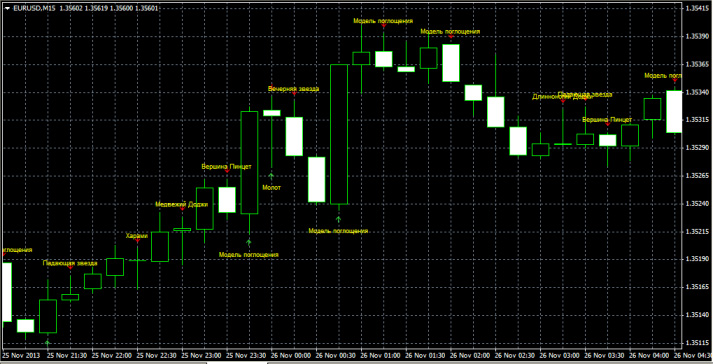
If you want to change the existing settings, I will give their decoding.
• Show strong reversal patterns - enable the display of significant reversal signals.
• Show weak reversal patterns - enable the display of weak reversal signals.
• Show continuation patterns - display candles confirming the trend.
• Show Unclassified - use additional signals.
• View Bars - the number of bars involved in the analysis.
• Sound Alert - a sound alarm when a new candle appears.
• Email Alert - sending a message to e-mail.
• Sell Color - the colors of sell signals (set to red).
• Buy Color - the colors of buy signals (set to green).
• Text Color - the color scheme of the text used by the candlestick indicator.
A real gift for those who are fond of candlestick analysis, it allows you to determine the Forex trend, or rather the likelihood of its continuation or reversal.

