Script for risk and calculation of stop loss and take profit.
Risk management is a key aspect of forex trading; without it, a trader can quickly lose all their funds in their account. The key parameters a trader should know are the ratio of deposit size to forex trading lotsize, stop loss, and take profit.
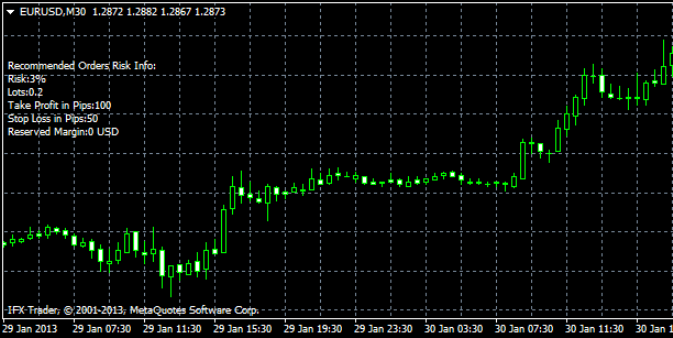
A script for calculating these parameters has been developed to partially automate these calculations. Let's test how effectively this program works.
Download the risk script.
After downloading and installing the script in the trading terminal, configure it and add it to the desired currency pair chart. This process is described in detail in the article "Installing an Indicator or Expert Advisor in the Forex Terminal."
Setup.
The script has only a few parameters that you should select when setting it up, with the "Input Parameters" tab being particularly important.
Balance Risk Percent is used to calculate the risk level. The lower this value, the smaller the recommended trading volume relative to your deposit. It's not recommended to set a value higher than 10.
Order StopLoss pips – as the name suggests, here we set the stop loss parameters in points, but remember to consider the trading timeframe. The default value in the script is 100 pips, which is quite high for intraday trading.
Profit Loss factor – is responsible for the profitability of trades, or more precisely, for calculating the take profit level; the higher it is, the larger the take profit will be.
Order Lots – as the name suggests, sets the planned trade sizes, but changing this value had no effect; it is fixed at 1.
Logically, the script works with volumes starting from 1 lot. That is, from approximately $100,000, taking into account leverage. If you use 1:100 leverage, your deposited amount should exceed $1,000.
Overall, the program works and provides reasonable recommendations, although you will have to determine the stop order parameters yourself. You can learn how to do this in the "Practical Aspects" section of this website.

