Trader Assistant (MT5 Trade Assistant)
It just so happens that some trade Forex, while others try to make it easier by creating various Forex programs and scripts.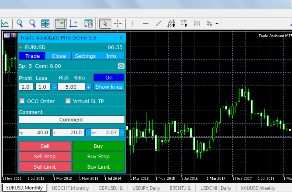
Today, we'll talk about the Trade Assistant program, which acts as a trader's assistant when placing orders.
It helps place market and pending orders, taking into account the risk relative to the deposit, and also sets stop order sizes.
This means you don't have to worry about the trade size every time your deposit changes; you can simply set the risk percentage relative to your balance.
But this is only a small part of the script's capabilities, which is simply impressive in its functionality and visualization.
Getting Started
The Trader Assistant is available in the mql5 marketplace, so it can be automatically installed through the MT5 trading platform on the mql5 website.
If for some reason you prefer the traditional option, there is a link to download the script file at the end of this article.
The script is added to the Experts folder, and after launching the trading platform, you will see Trade Assistant in the Advisors section.
Basic settings
It should be noted that only the demo version of the script is free, allowing it to be installed on only one asset from each category. For full functionality, you should purchase the paid version:
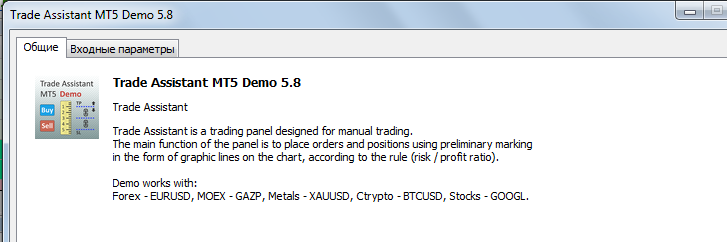
When adding a signal to a chart, you should enable "Change signal settings" and "Allow automated trading." You should also enable "Auto-Trading" in the platform itself.
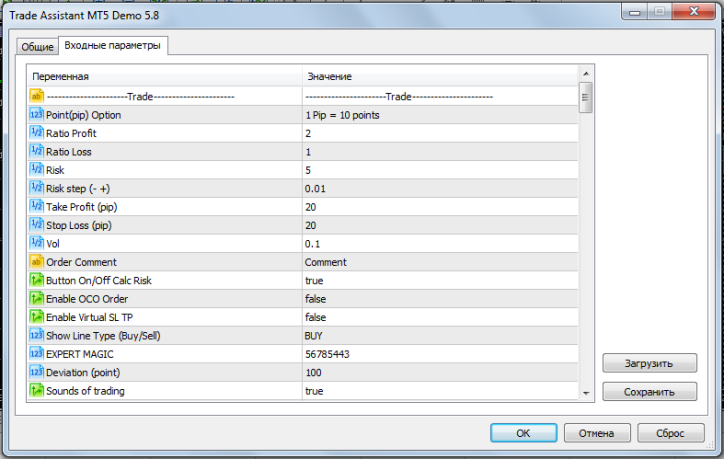
Furthermore, Trade Assistant MT5 has a huge number of settings, primarily related to risk settings, stop orders, and visual display:
After adding to the chart, a control panel for placing orders will appear in its main window, which contains several main tabs:
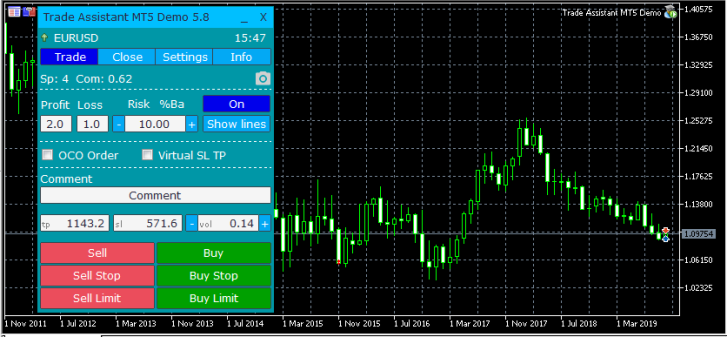
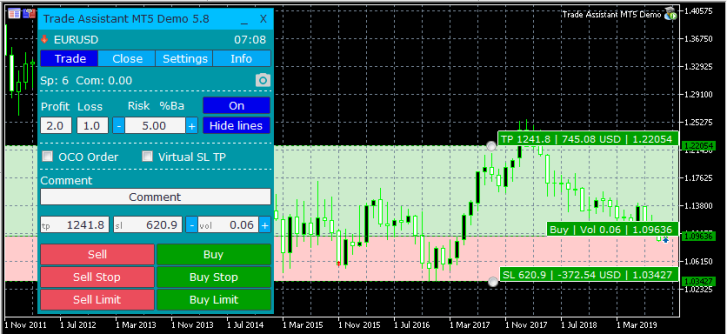
• Trade – on this tab, order parameters are set; when you click on the “Hide lines” button, lines will appear on the chart displaying stop orders and the ability to manage them:
 • Close – manages parameters for closing market and pending orders.
• Settings – fine-tune take profit and trailing stop parameters, risk calculator, and setting alerts.
• Info – account information, balance, free margin, profit, and margin call and stop out. Information about broker commissions and some other additional settings are also located here.
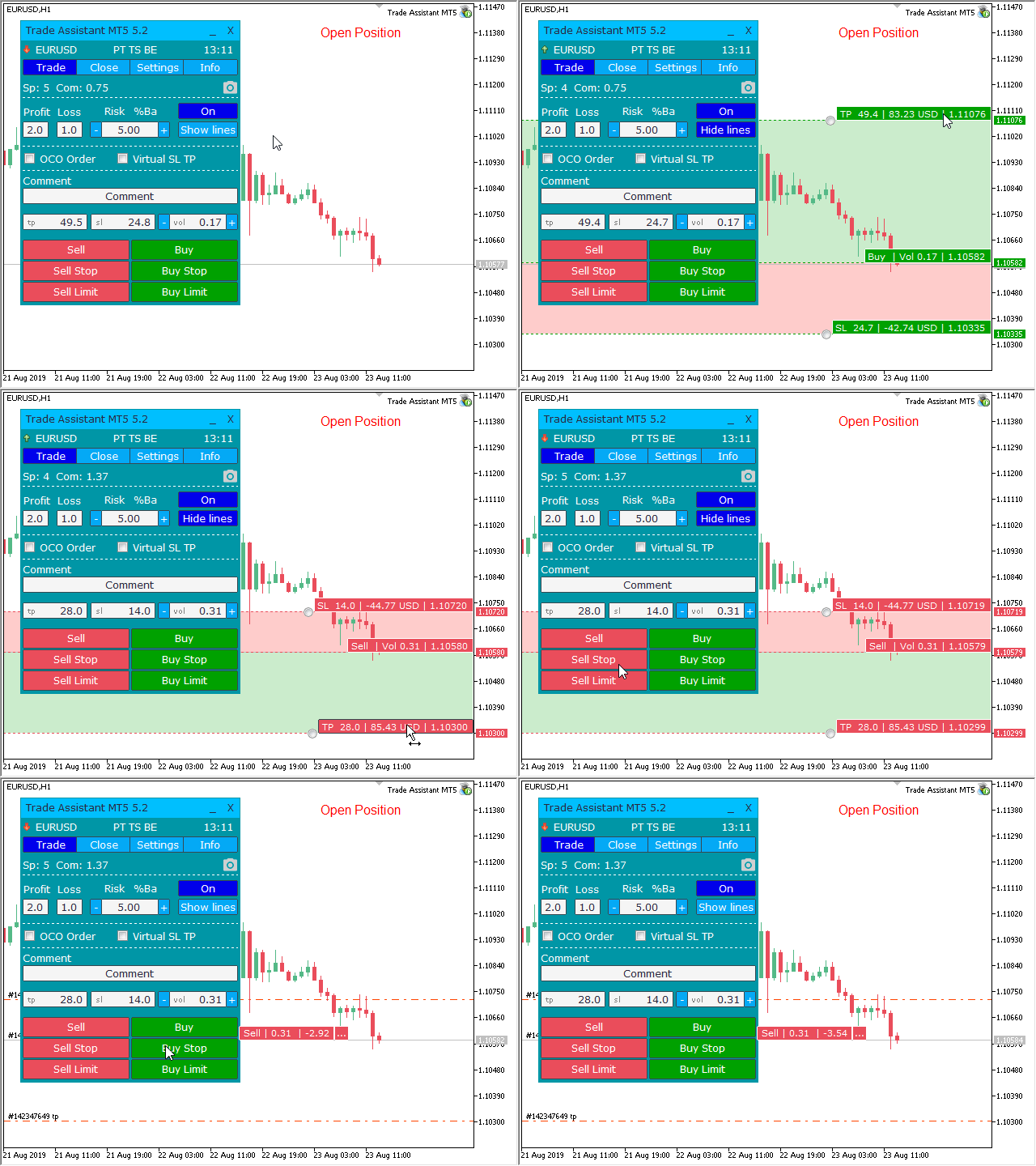
Overall, everything is quite simple; the script's operation appears on the chart as follows:
 If you have any questions about the Trade Assistant MT5 settings, you can find them on the page: plugins/system/oyl/src/Redirect.php?oyl=at4fmQAGoIAYYuk%2BCqzdUknt0Ho%2BK%2BZdnF1ppJnvPKkSLMuK4TTJfT1uEPYS0sNZd1kc3JDBB4o%3D They are described there in great detail.
Overall, the script left a favorable impression; its use will help you not only set the optimal trade size but also learn how to manage an existing position to maximize profit.
Download Trade Assistant MT5

